Project info
Scope
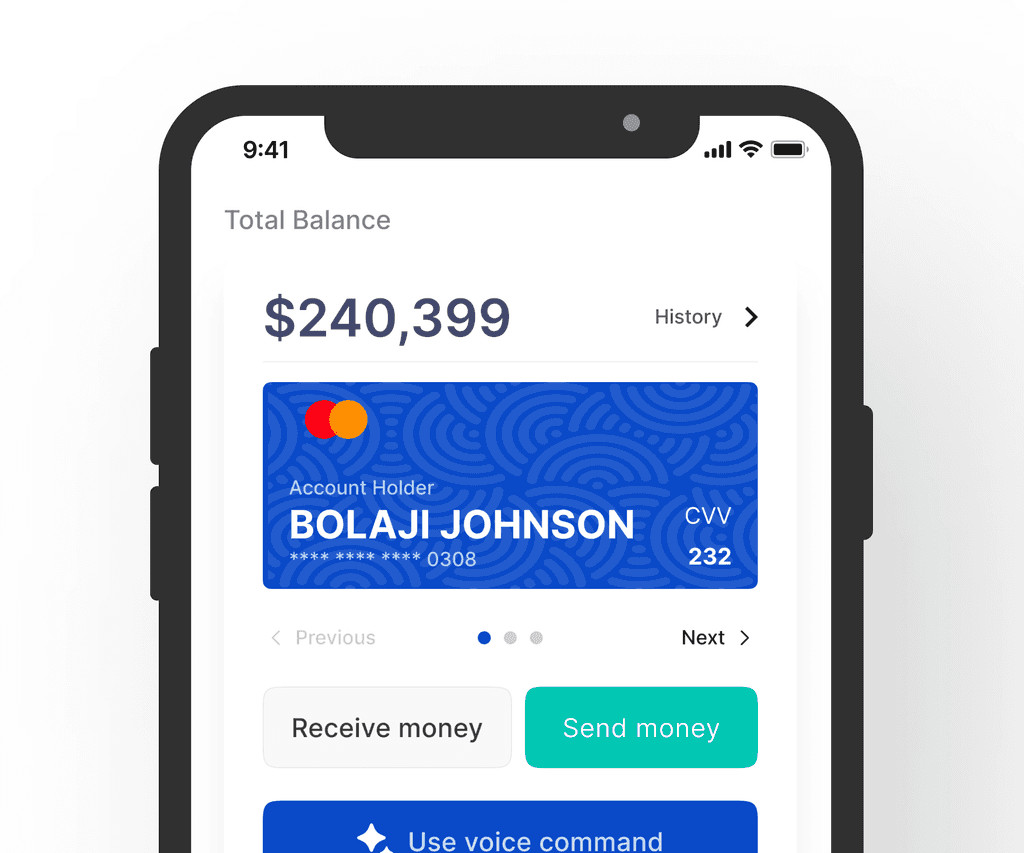
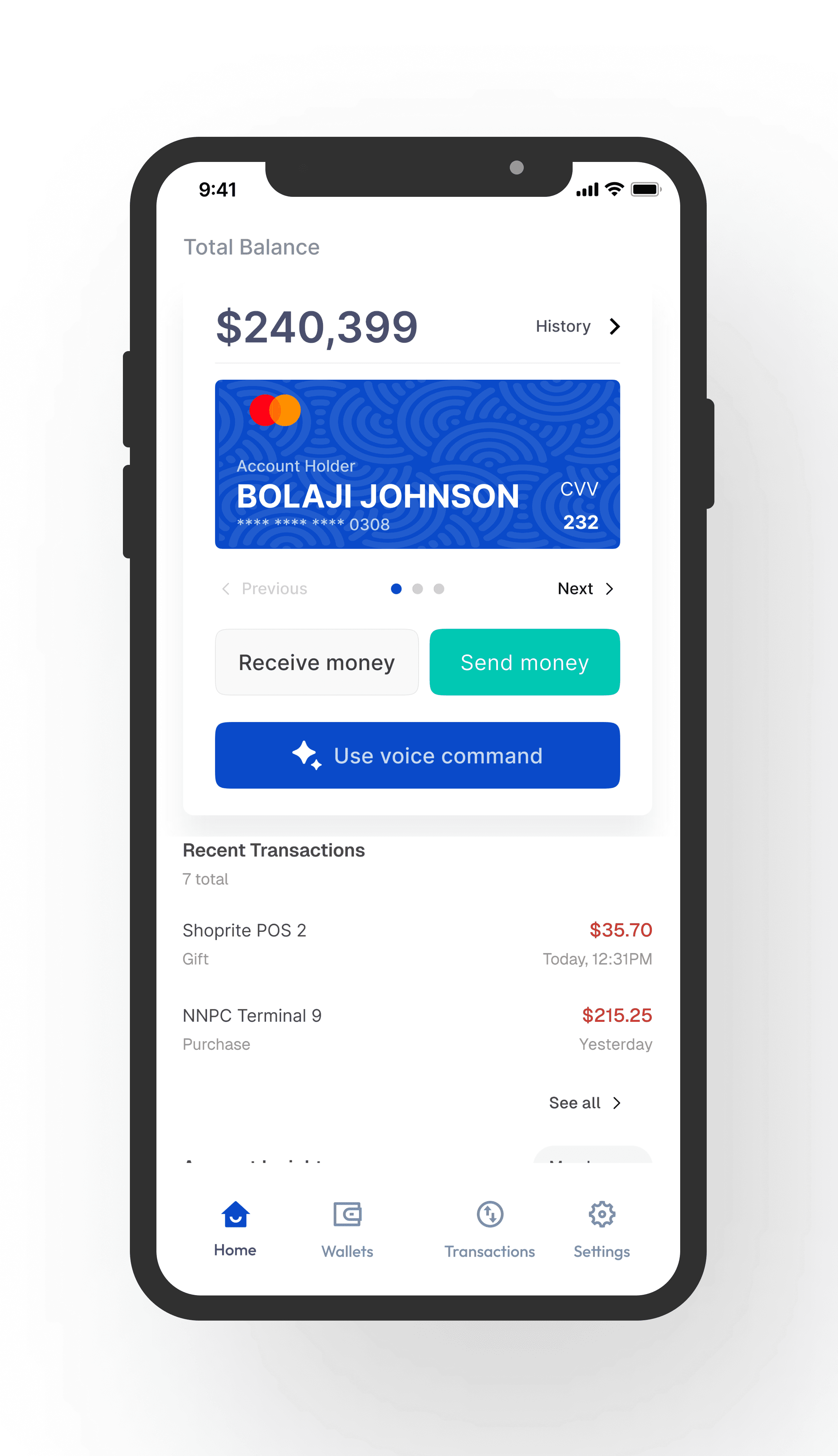
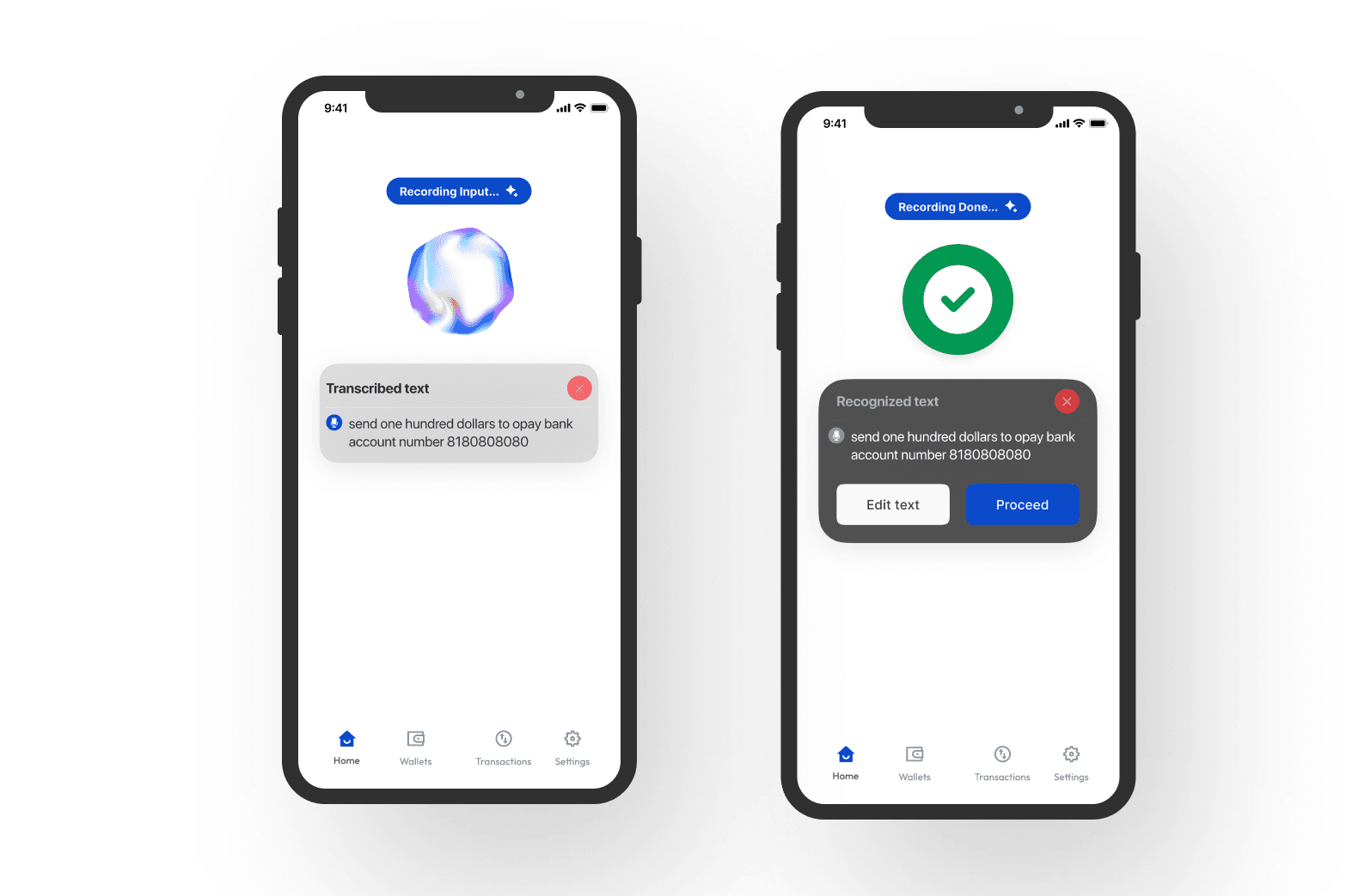
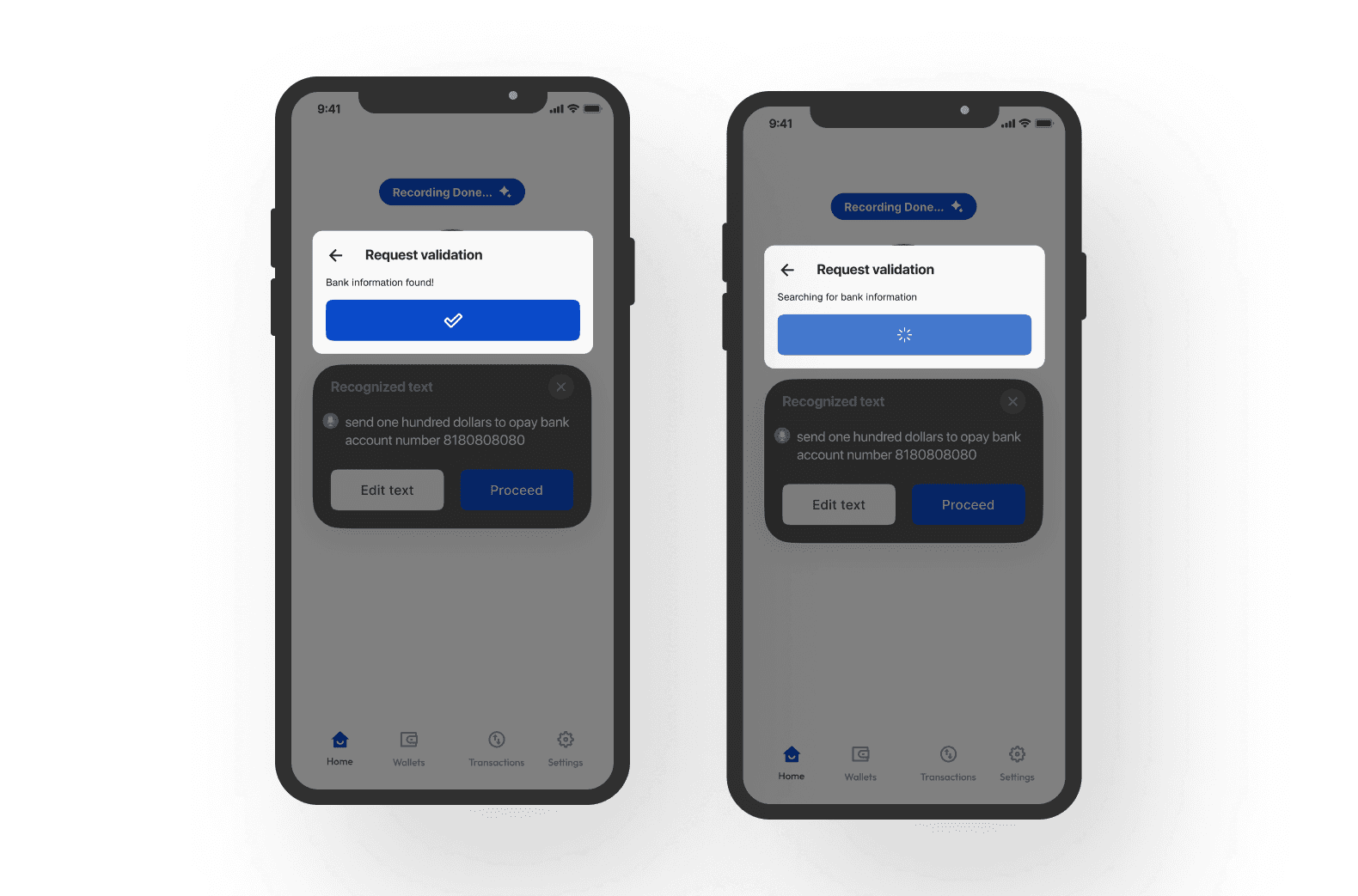
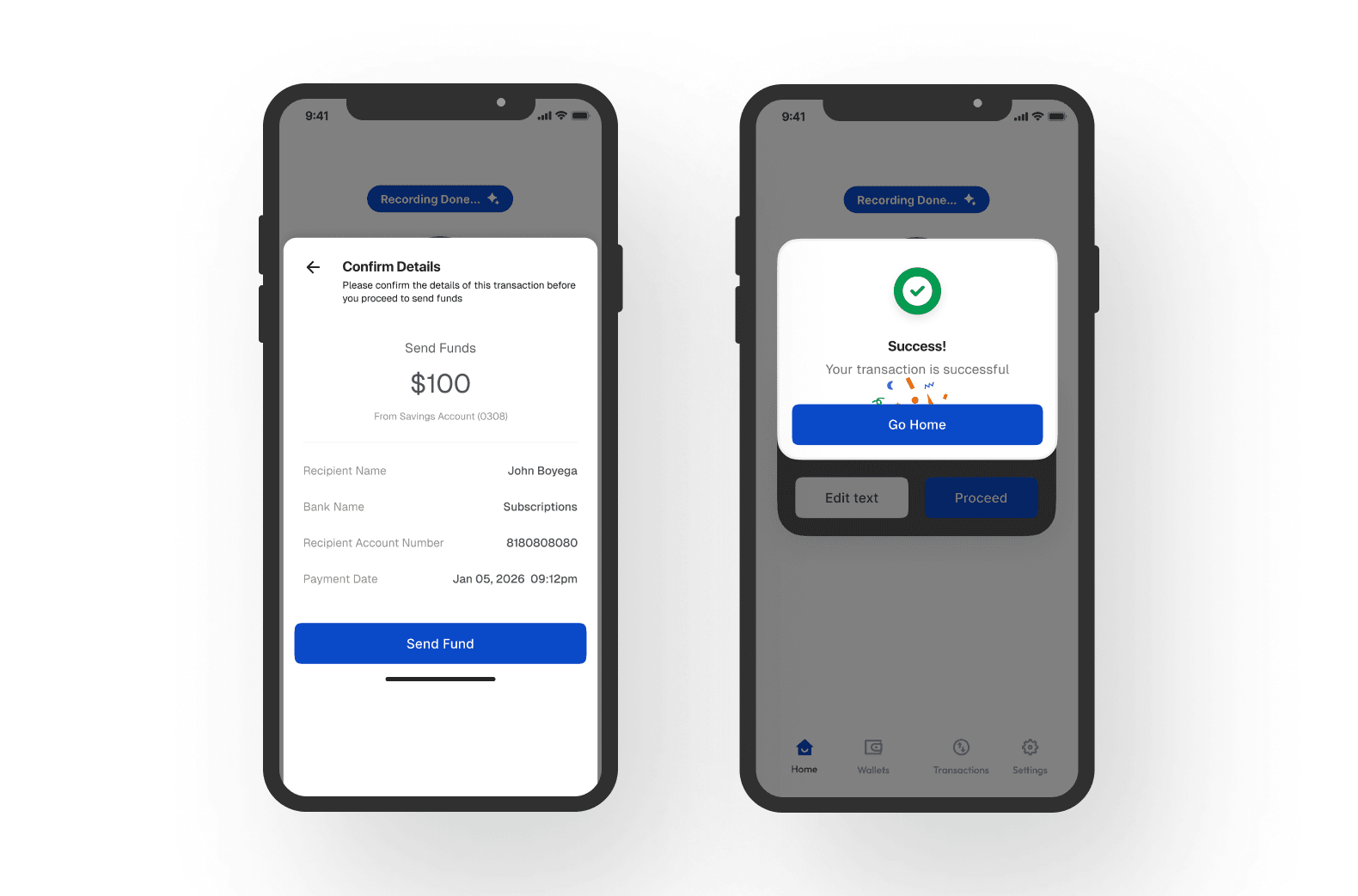
Design direction for a transaction flow that can be executed with audio input (for the customer) and an output that represents the filled form data in text (for the bank). You should note that to successfully open a bank account for each user, the bank collects information in 3 formats Text (Next of Kin) Numbers (BVN) and Images (Passport photograph).
Some research
Physical abilities start to deteriorate as one gets older, and for some people, the mind starts to go too, While this happens, most seniors still feel active physically and cognitively, They might not be the same way as when they were younger, but it is fine regardless.
“Cognitive abilities, such as memory and processing speed, can decline with age, thinking and learning abilities start slowing down as they approach age 60s 70s” -Havard Health Publishing
According to Don Norman’s [talk](https://www.nngroup.com/videos/design-elderly/) about designing for elders —being one at 83 himself, companies and designers especially should not view them as a niche or market, but rather as part of their intended users, He argues further that older people are often even better customers as they have money to spend and loyalty to stick to a brand, unlike frenzy seeking teenagers and Genz’s
Why would this work?
The design decisions taken and put to use in this entry were carefully researched, and the reasons for them are stated below:
Chosen name
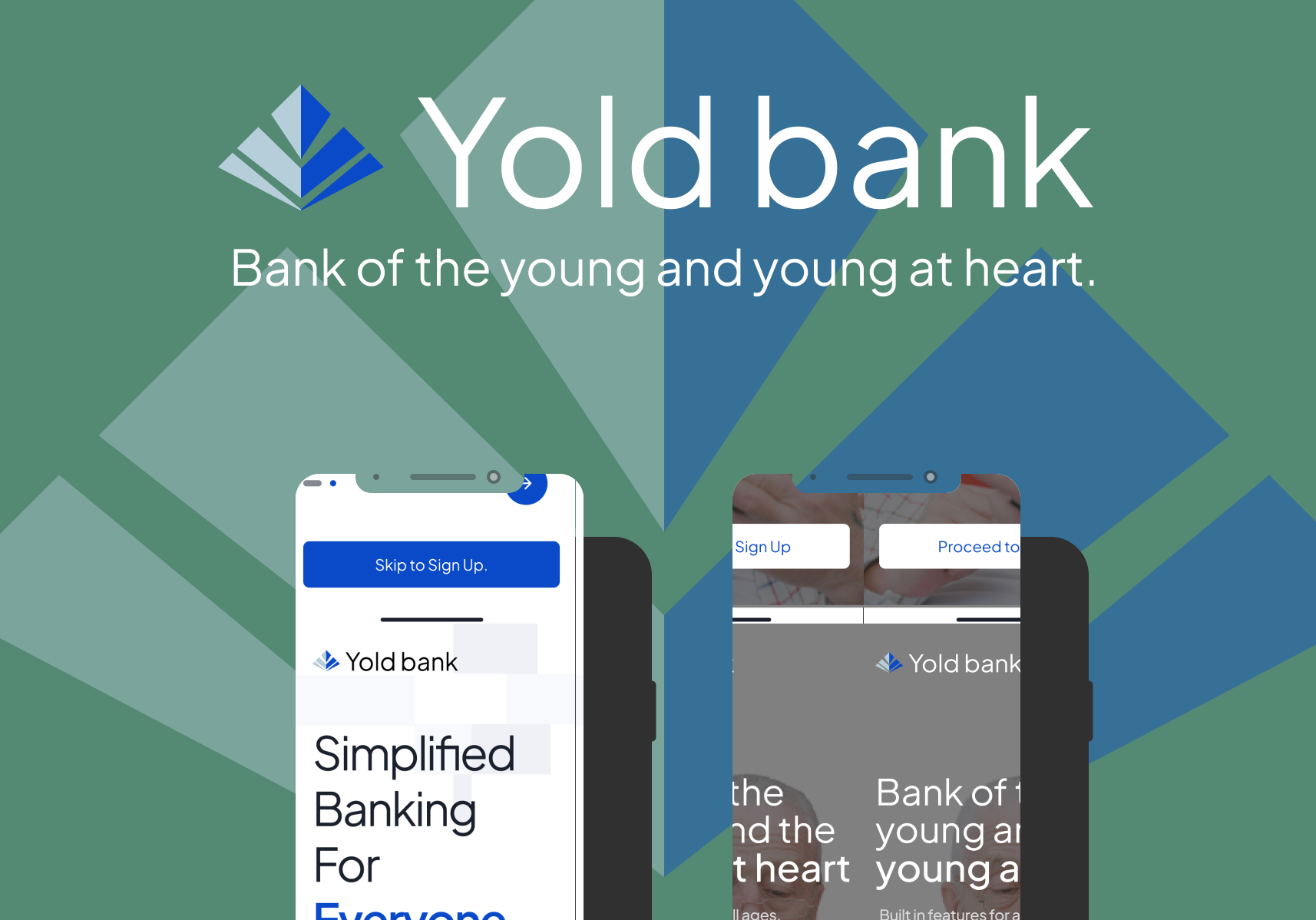
The name “YOLD” was coined from the words “young” and “old”, which encompasses users old and young
Color
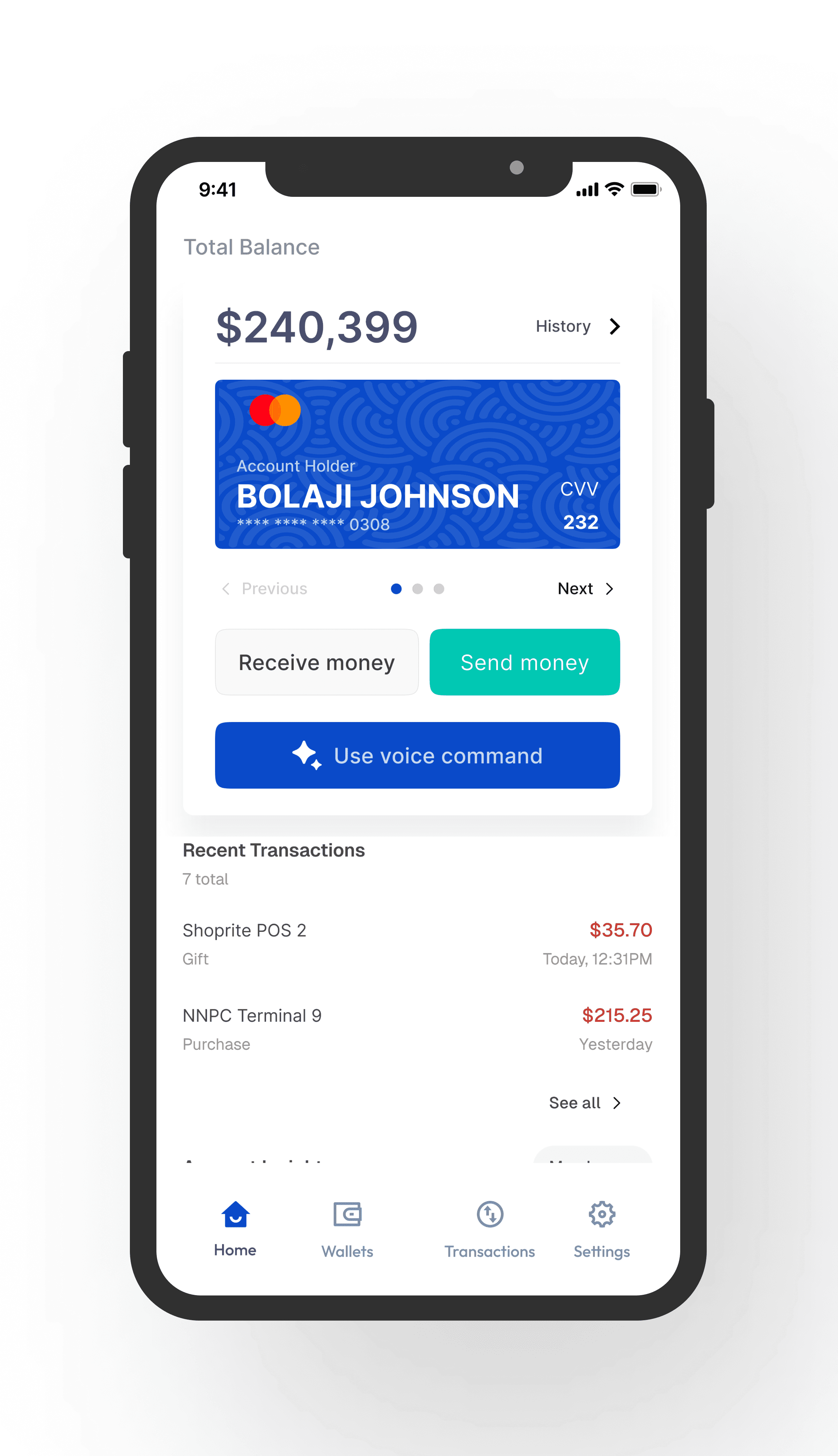
The color blue was employed for the main reasons that it is widely accepted and associated with calmness and trust, also, blue is a color-blind friendly palette that caters to users in their 60s and above, also well as younger users with visual issues.
Typeface and Font size
Geist was used as the font of choice because of its legibility and readability, which will make it easy for any user in any age bracket to read, there is also an option to adjust font size by the user, this hopes to cater for users with visual needs.
Notices and Tips
These are highly beneficial to not just users in their 60s, but also users with short term memory issues.
Big Buttons
This is a deliberate act and reason is that users in their 60s and/or with visual problems have a hard time clicking on small items on their screens, this also helps users with motion conditions in their hands